Subtitle Style That Goes Here

Artificial intelligence is already having a major impact on manufacturing operations around the world. From quality control to forecasting and product design, manufacturers are using AI systems to change the way their factories work.

Subtitle Style That Goes Here

Artificial intelligence is already having a major impact on manufacturing operations around the world. From quality control to forecasting and product design, manufacturers are using AI systems to change the way their factories work.

Client Testimonial

“The difference with AI is the scale of automatization that you can achieve, which leads to increased efficiency for the entire factory.”

Mark J. Roberts – CEO

Leave a Reply

Audit & Document Findings icon

Step 5: Approve & Update the System

Apply approved changes, update baselines, and reset the monitoring loop.

feature 4 - step 5
Audit & Document Findings icon

Step 4: Audit & Document Findings

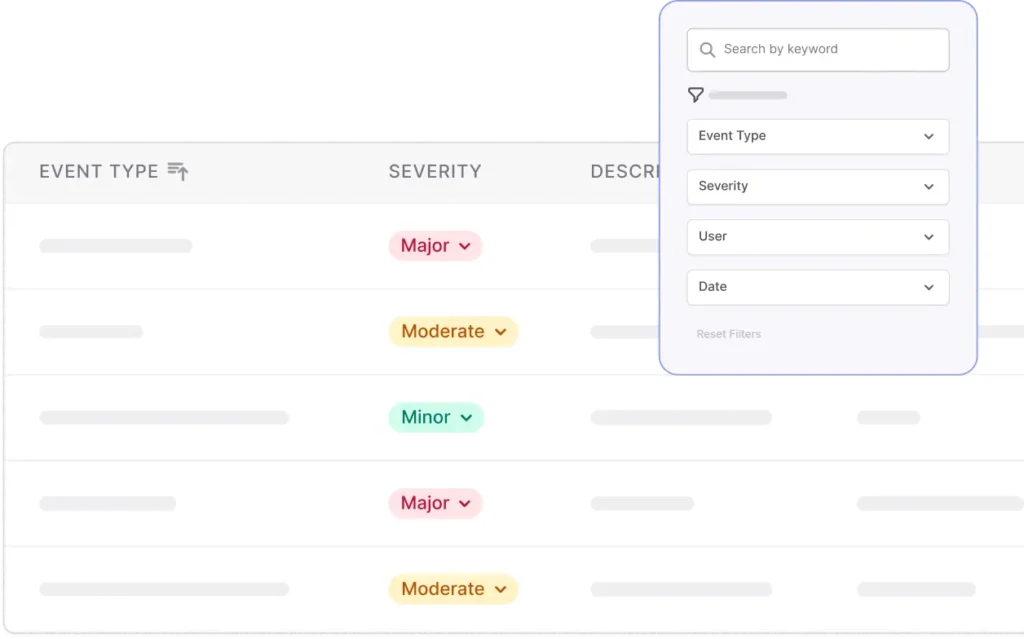
AI audit software captures an immutable entry with evidence, context, and reviewer notes for compliance.

feature 4 - step 4
Assess Impact icon

Step 3: Assess Impact

Evaluate flagged issues to determine severity, scope, and whether regulatory reporting or remediation is required.

feature 4 - step 3
exclamation mark icon

Step 2: Flag Anomalies

Detect deviations and trigger prioritized alerts when thresholds or drift detectors are breached.

Continuous Monitoring icon

Step 1: Monitor System Signals

Collect telemetry, performance metrics, and logs continuously from deployed models and pipelines.

Finalize Conformity icon

Step 5: Finalize Conformity

Perform final approvals, lock the workflow state, and output the conformity decision trail for internal records or notified-body review.

feature 3 - step 5
star icon

Step 4: Review and Validate

Run configured readiness checks and reviews to confirm every checkpoint meets the criteria before advancing.

check icon

Step 3: Complete Required Actions

Execute the assigned tasks (testing, verification, and process steps) while recording outcome metadata and timestamps.

feature 3 - step 3 with eclipse
Assign Responsibilities icon

Step 2: Assign Responsibilities

Allocate owners, deadlines, and required roles for each task so nothing remains unclaimed.

feature 3 - step 2 with eclipse
inputs icon

Step 1: Identify Requirements

Map the system’s intended use and risk profile, then select the required conformity route and task set.

feature 3 - step 1 with eclipse
export icon

Step 4: Export Audit-Ready Files

Produce a finalized technical file that is compliant, version-controlled, and ready for internal review or submission.

feature 2 - step 4
check icon

Step 3: Validate Technical File

Perform completeness checks and ensure each section aligns with AI Act documentation requirements before finalizing.

Centralized Governance icon

Step 2: Link Evidence for Traceability

Associate datasets, test results, and design files with their relevant sections to maintain a clear, auditable record.

feature 2 - step 2 with eclipse
inputs icon

Step 1: Gather Documentation Inputs

Collect all necessary system information, design artifacts, and supporting evidence to prepare for Annex IV technical documentation.

feature 2 - step 1 with eclipse
home icon 3

Step 4: Ongoing Monitoring & Updates

Continuously update classifications and inventory entries as models evolve or new AI systems are introduced, ensuring enterprise-wide visibility.

feature 1 - step 4 with eclipse
Customer stories icon

Step 3: Record Linking & Documentation

Connect models to datasets, use cases, and previous assessments, maintaining a fully auditable history of changes.

feature 1 - step 3 with eclipse
Insights icon

Step 2: Risk Assessment & Classification

Automatically evaluate each system against EU AI Act criteria and assign the appropriate risk tier among the four of them.

glass icon

Step 1: System Identification & Registration

Add AI models and datasets into the centralized AI use case inventory with key metadata and ownership details.

feature 1 - step 1 with eclipse
icon popup 4

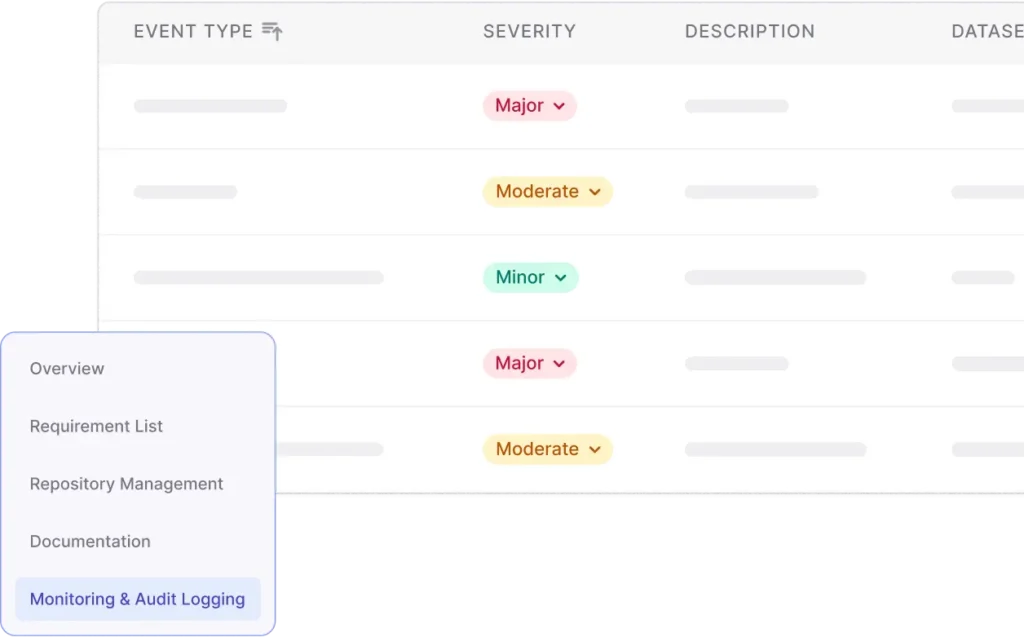
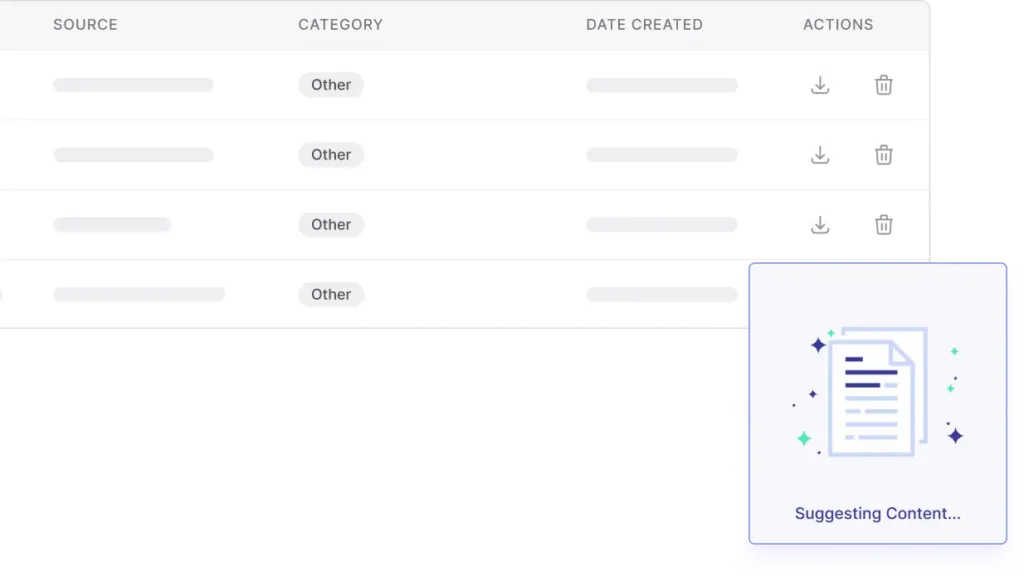
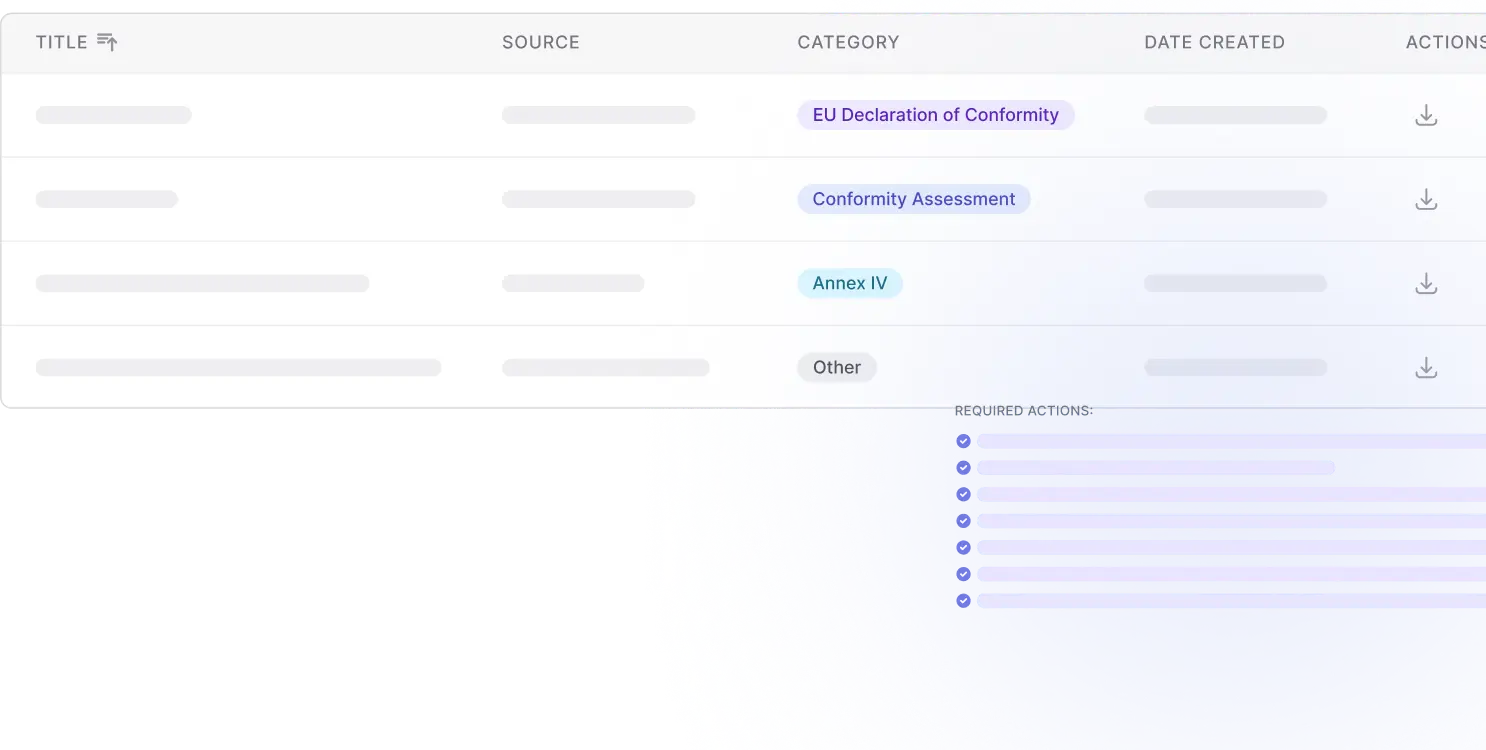
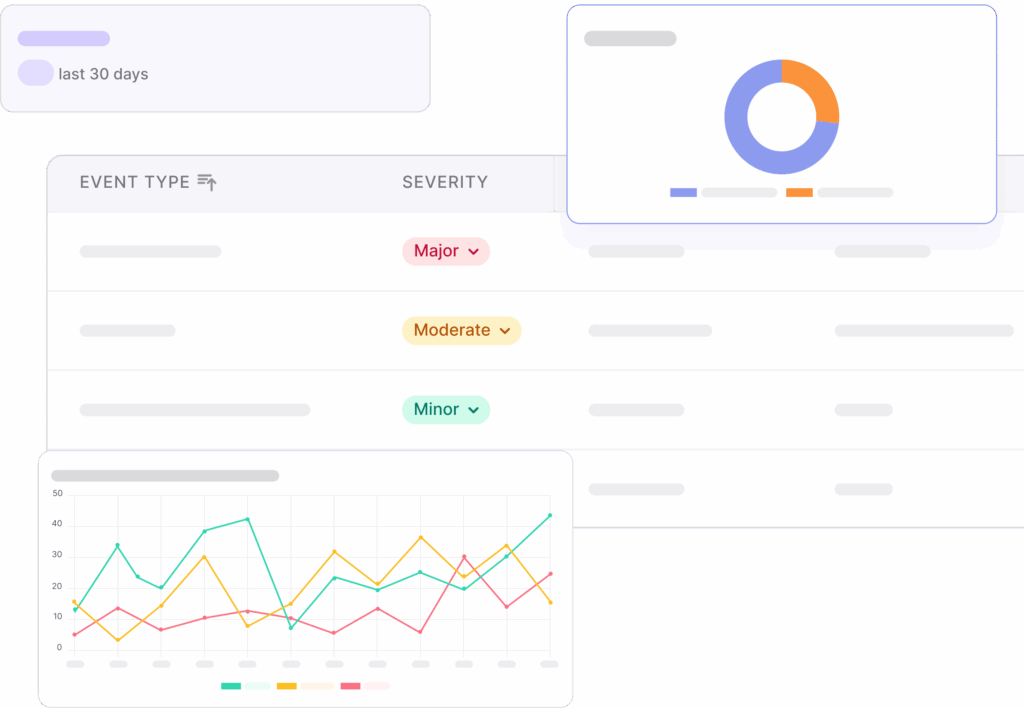
Audit & Continuous Monitoring

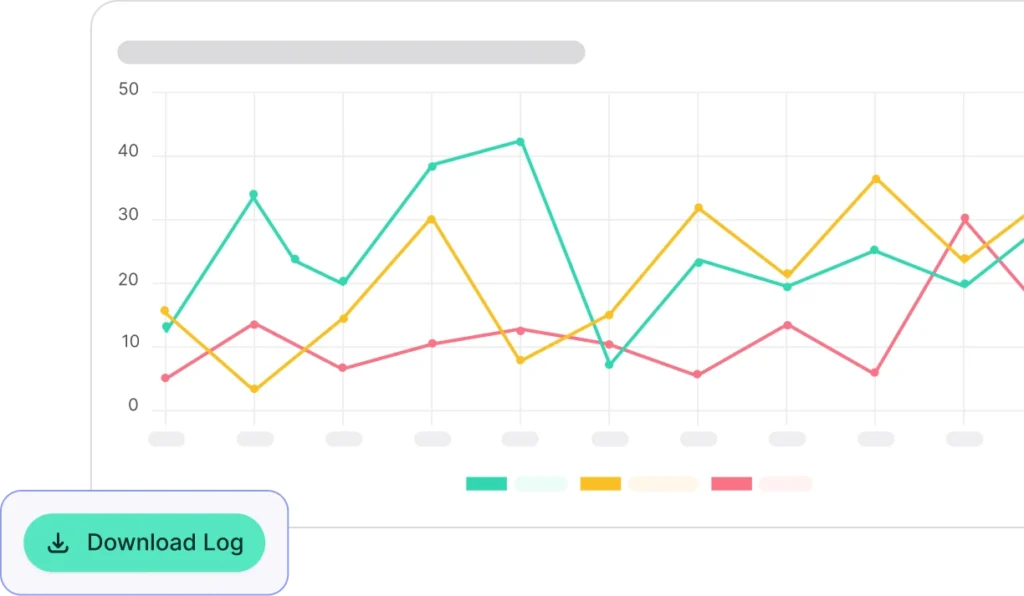
Maintain audit integrity with real-time tracking, immutable logs, and compliance dashboards. 

CompliAI enables continuous monitoring of every AI system, helping organizations stay compliant as regulations evolve.

icon popup 3

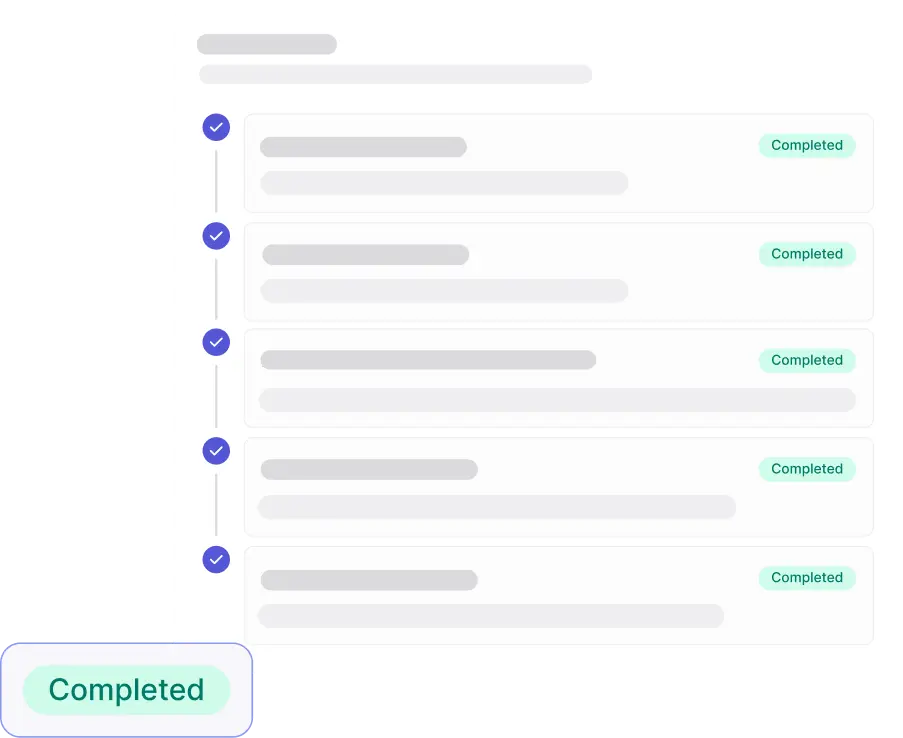
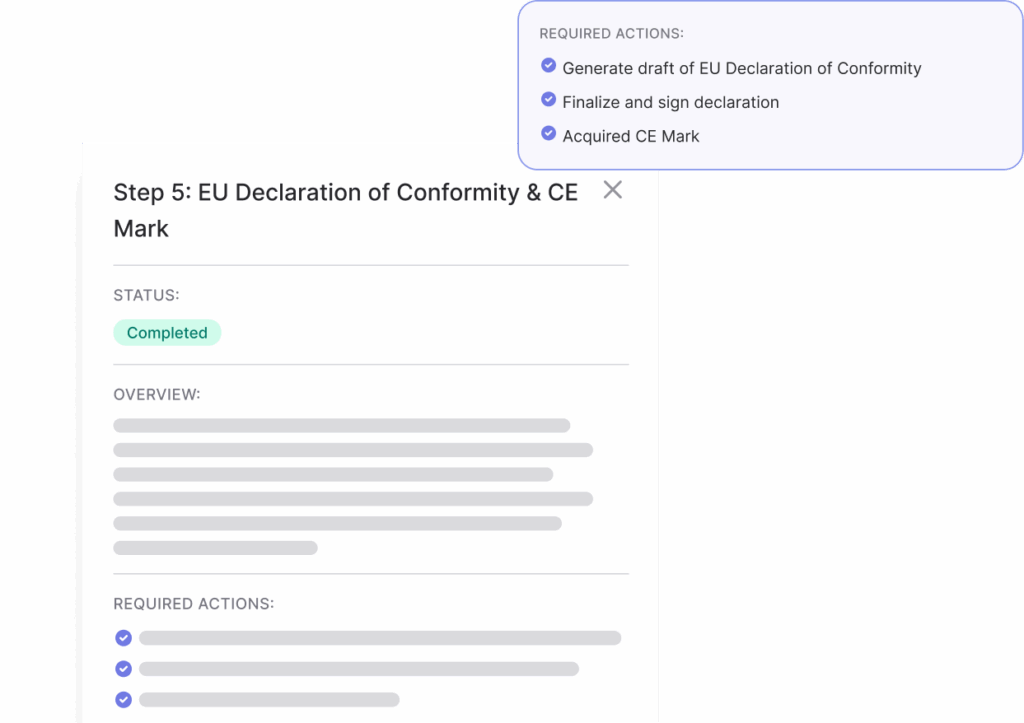
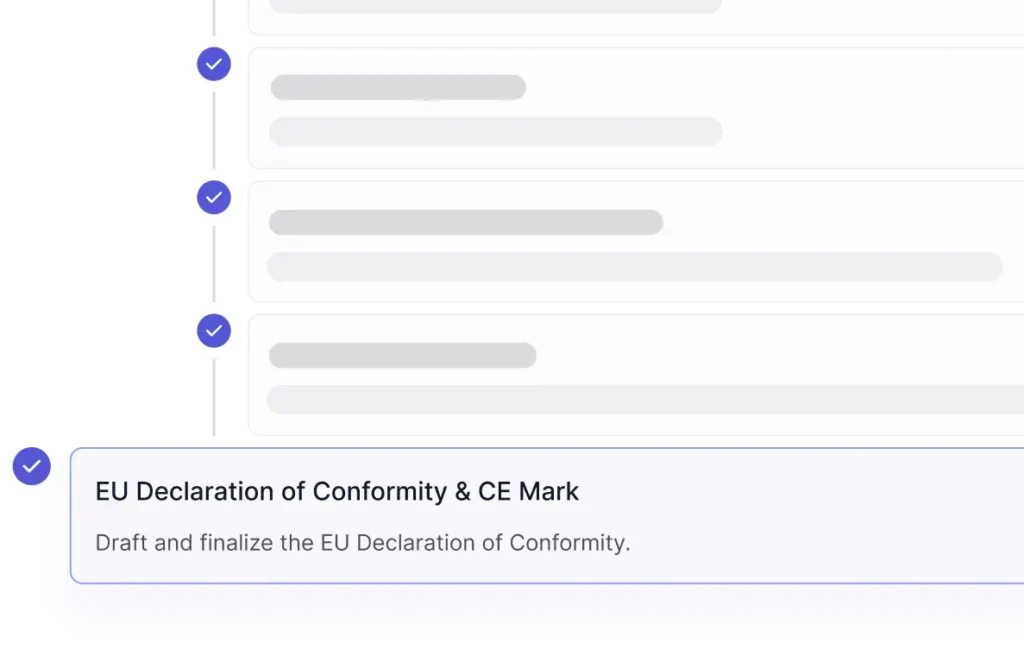
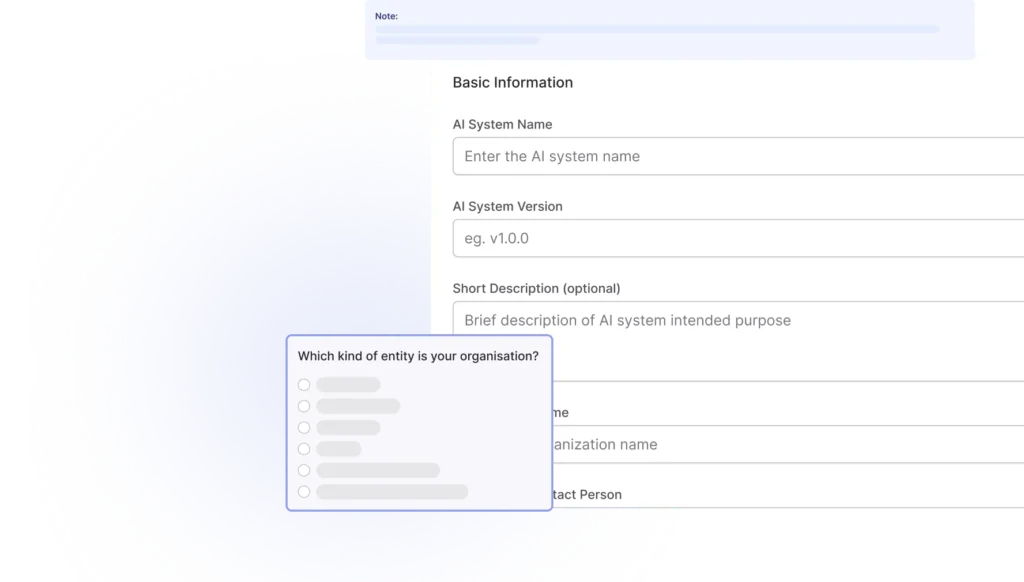
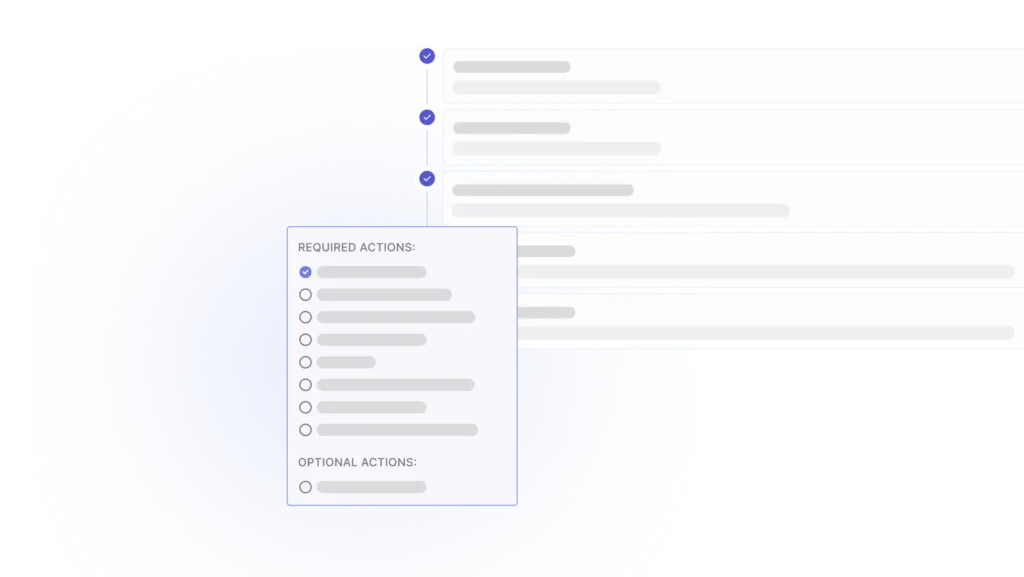
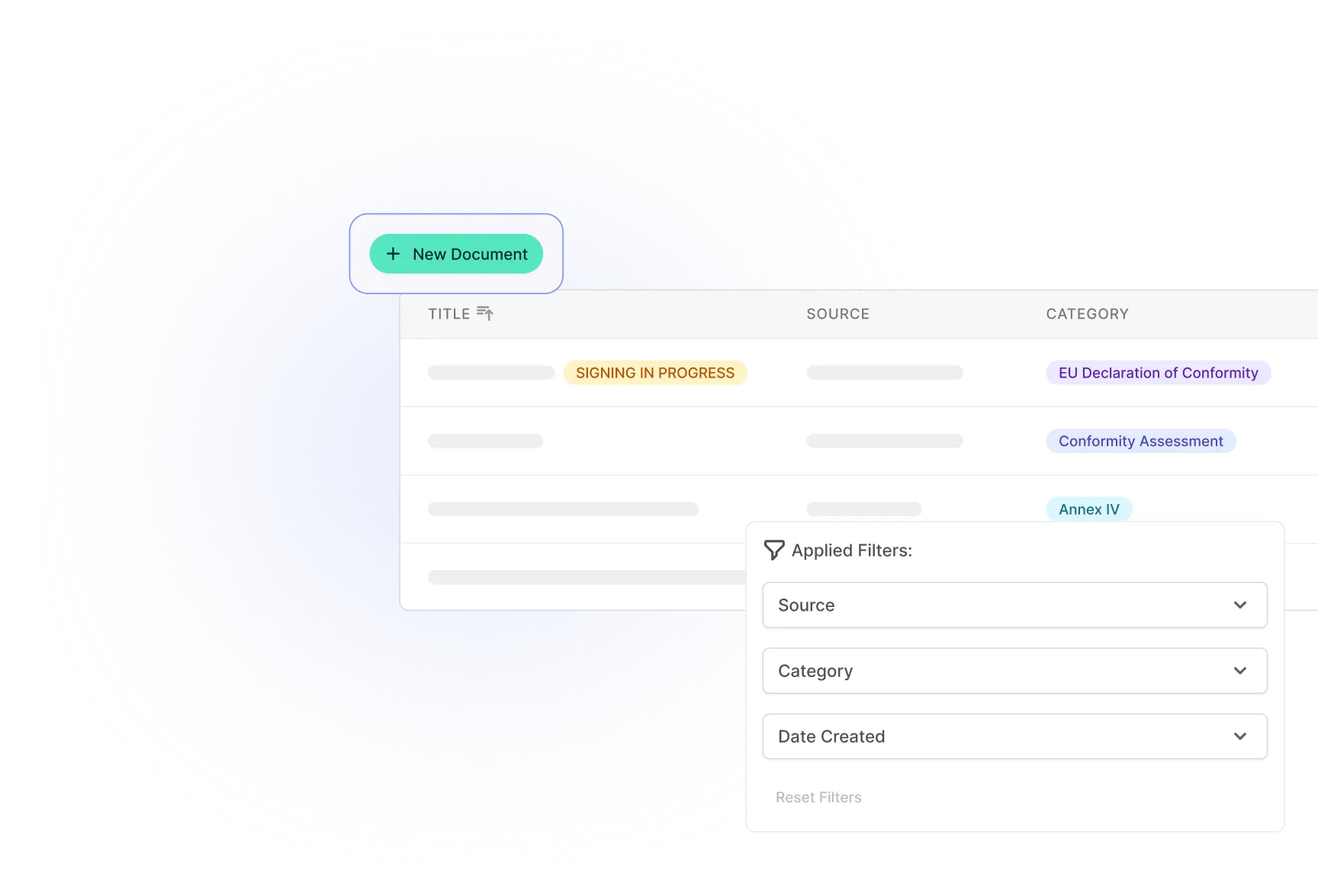
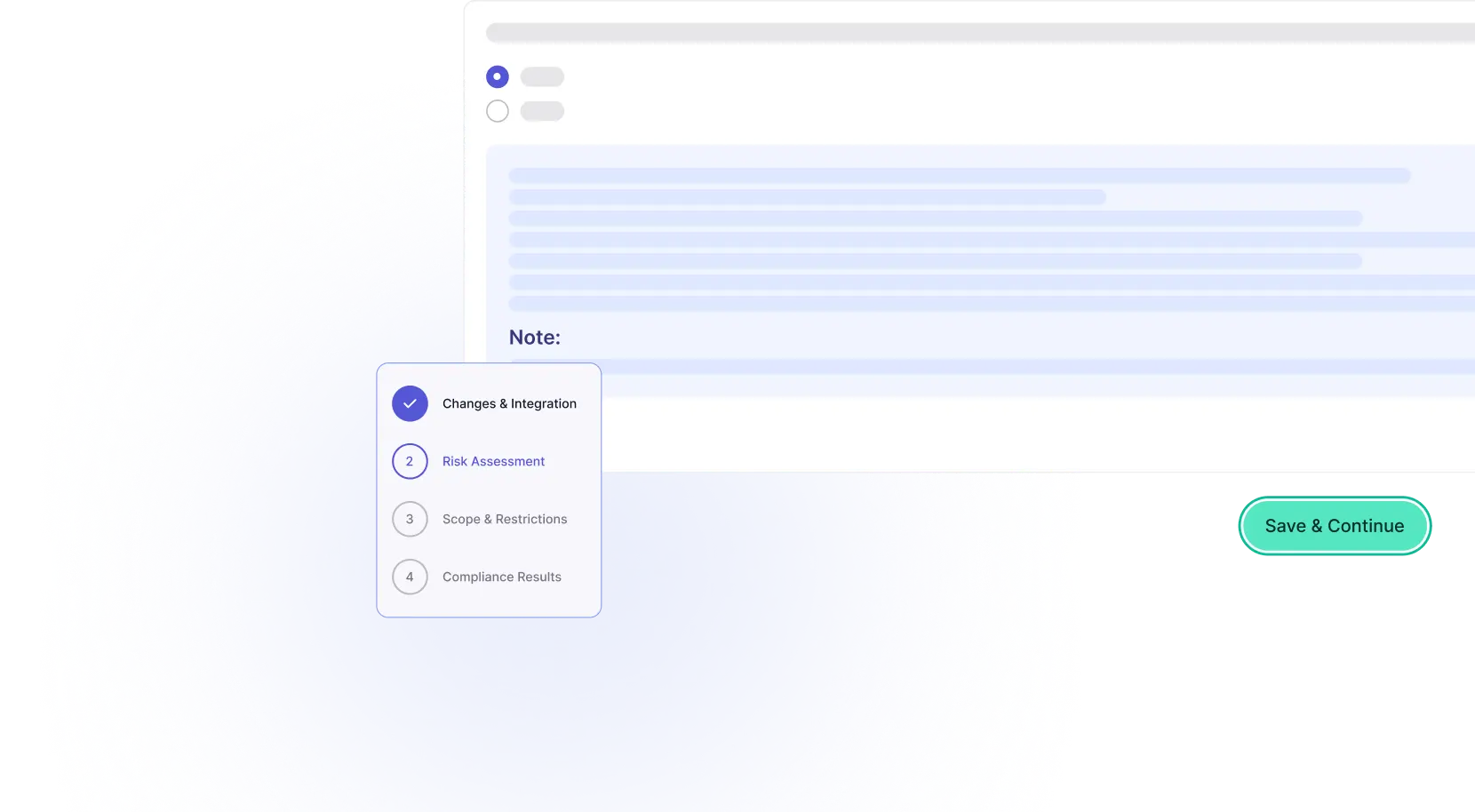
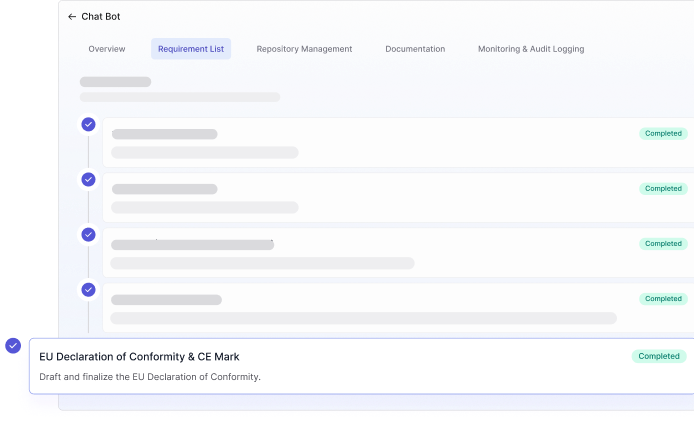
Requirements Workflow & Conformity Management

Simplify your path to CE marking and regulatory conformity. 

Follow built-in workflows that outline every requirement, track progress, and generate draft declarations of conformity in line with EU standards.

popup 3 image
icon popup 2

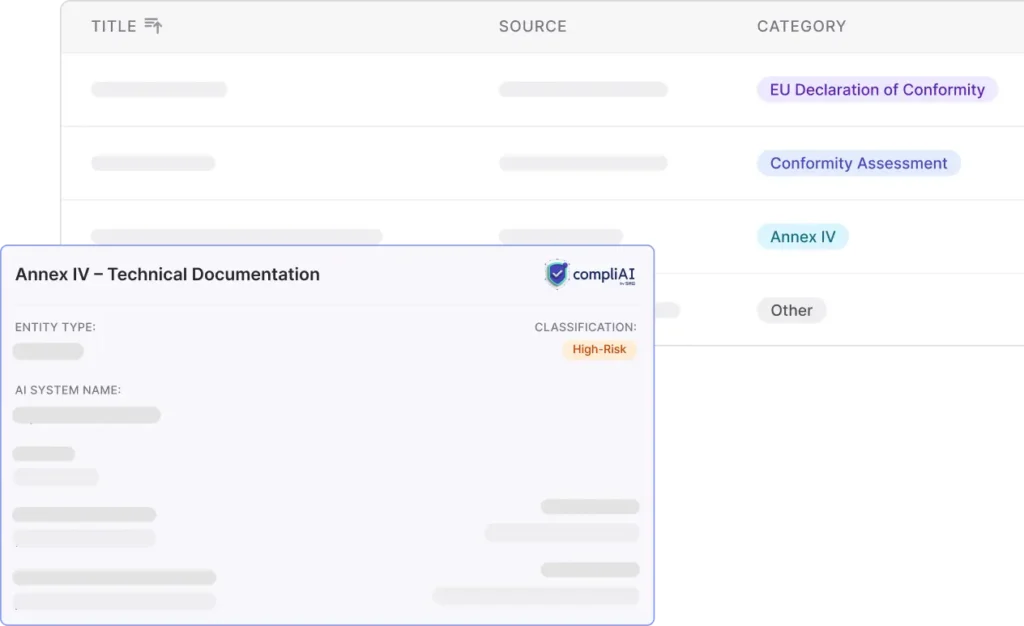
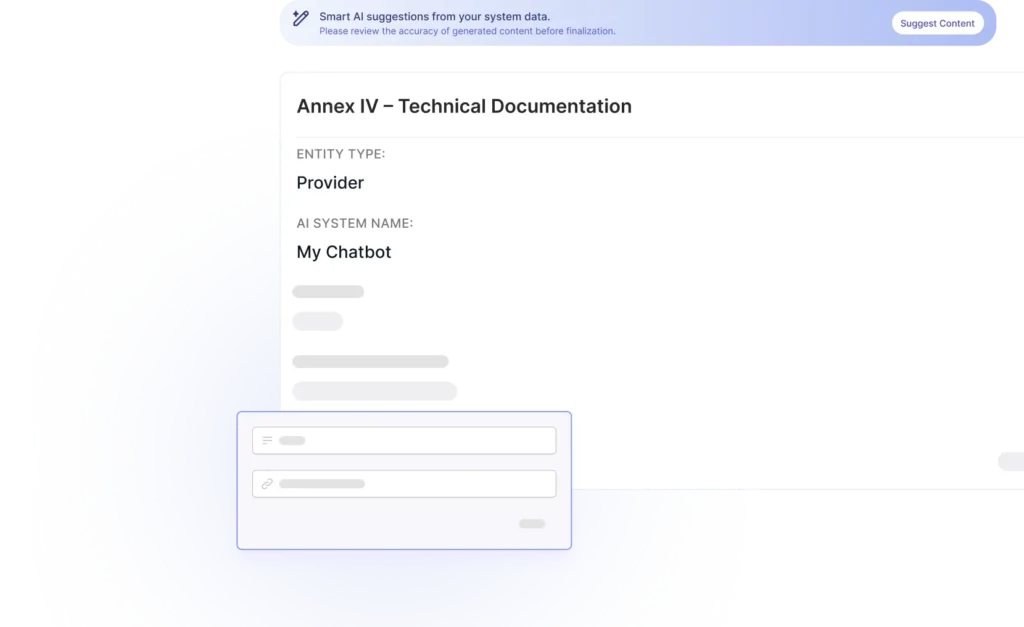
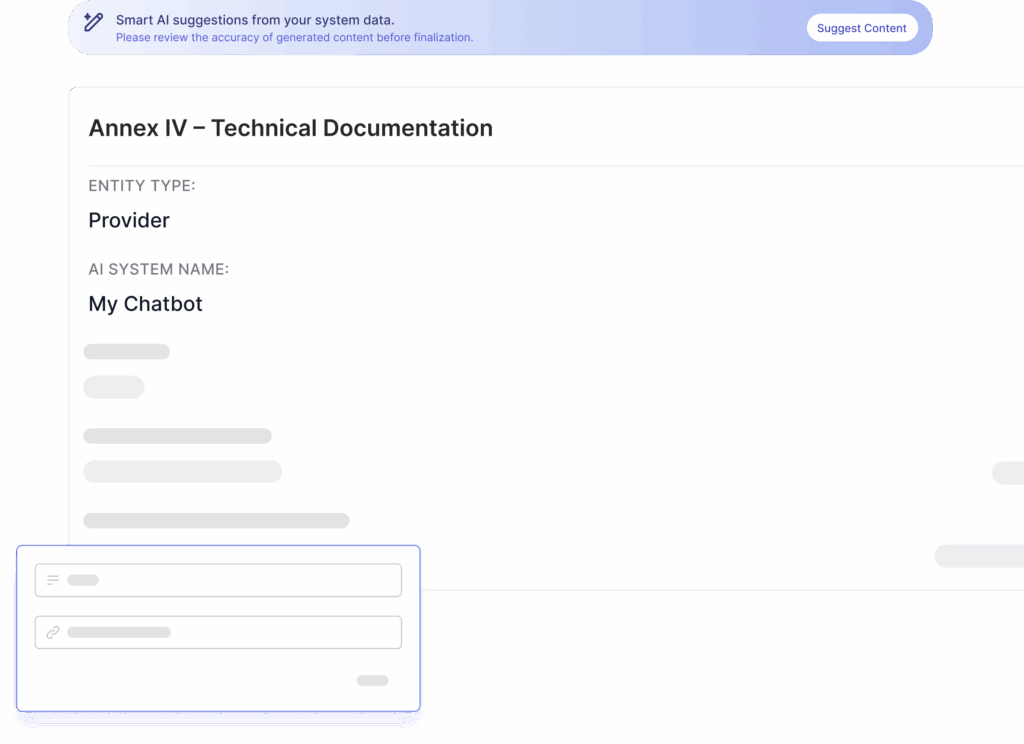
Annex IV Technical Documentation Automation

Automatically generate, organize, and update all required documentation in structured formats. 

CompliAI links evidence, datasets, and audit records to build comprehensive technical files, ensuring consistency and audit readiness.

icon popup 1

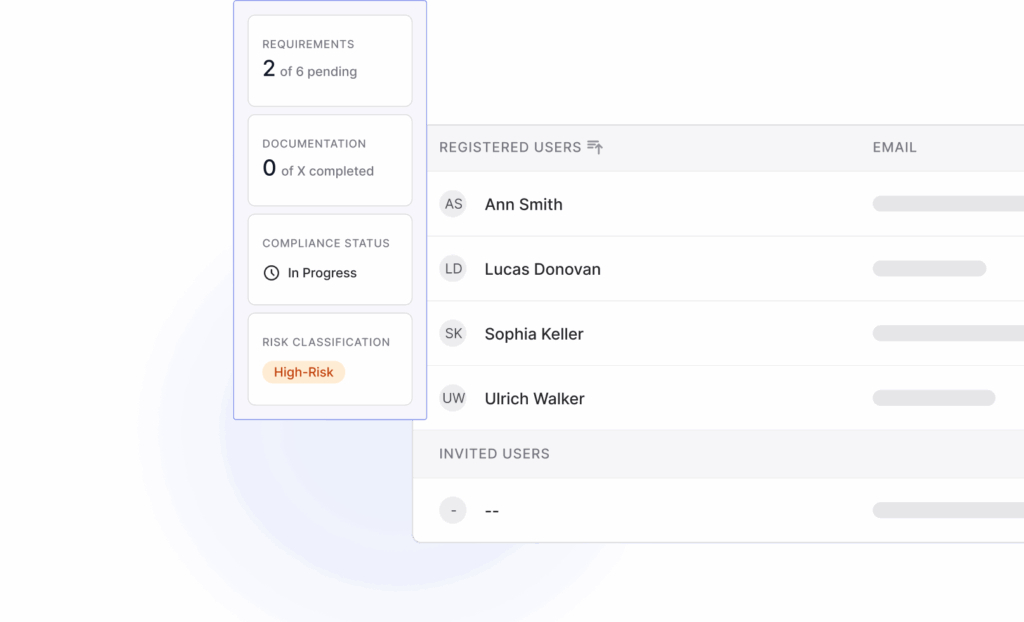
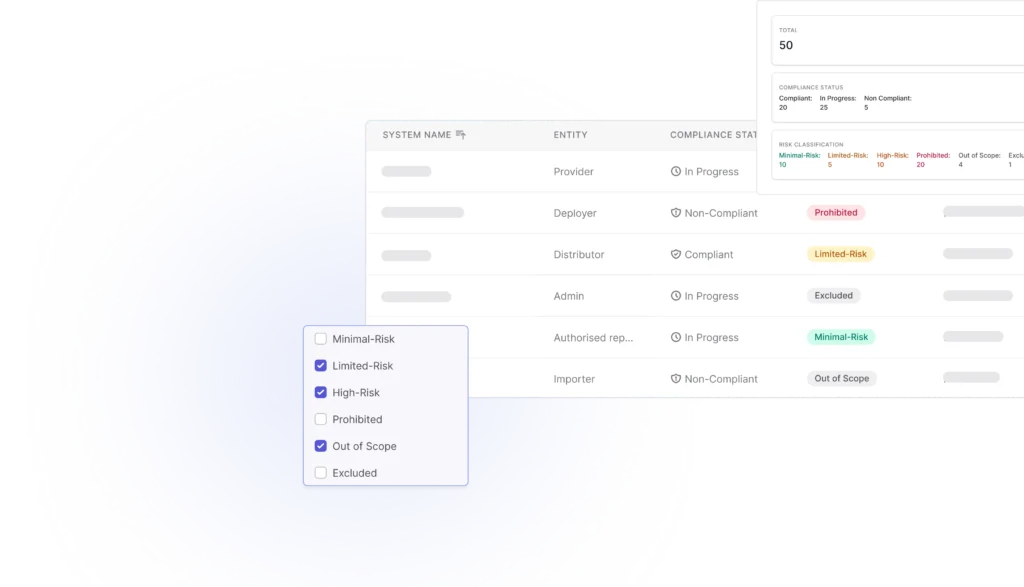
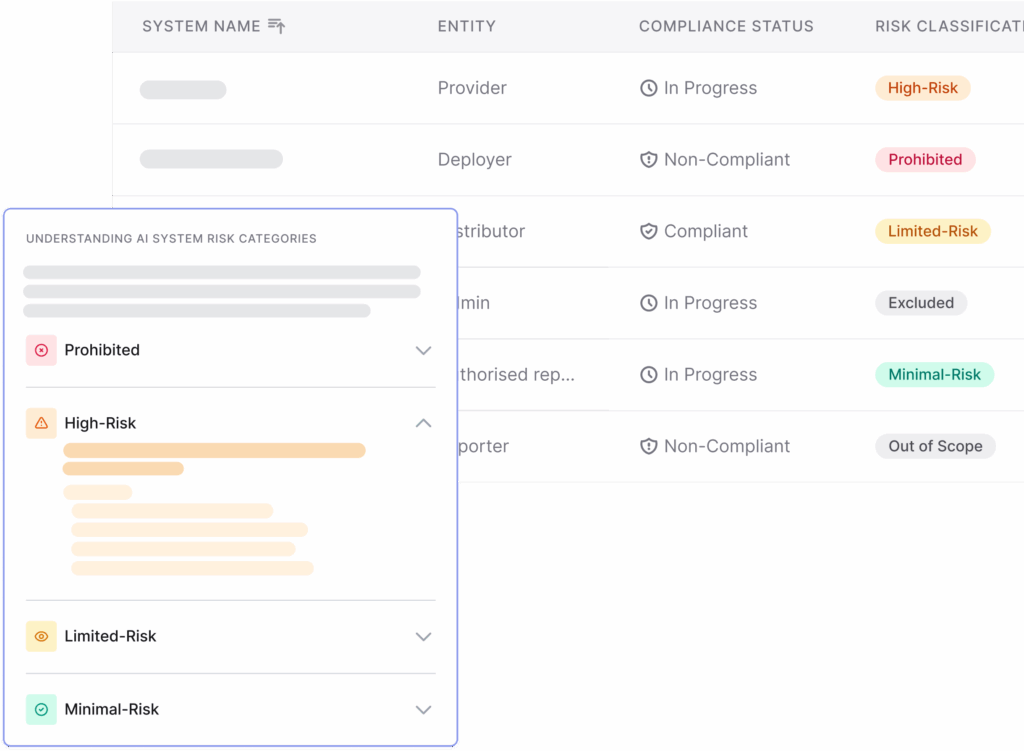
AI System Inventory & Risk Classification

Map every AI system across your organization and determine its regulatory risk level through guided assessments aligned with the EU AI Act.

The platform centralizes system ownership, data, and accountability so that you can have full visibility from day one.